


 Tweet
SUMMARY: In this month’s Valence Developer Diaries, the CNX Dev team demonstrated some recently introduced Nitro App Builder (NAB) features for grids and forms. The demo showed how to add selected rows from a regular grid straight into a local data edit grid, remove multiple rows at once, and automatically position users on the first editable cell, all on the front end without extra back-end calls. The team also showed two new form options: horizontal line dividers and a custom tab order.
URL: https://youtu.be/XmVqKFrD47s?si=uWlxYm7fbAFnAcz-
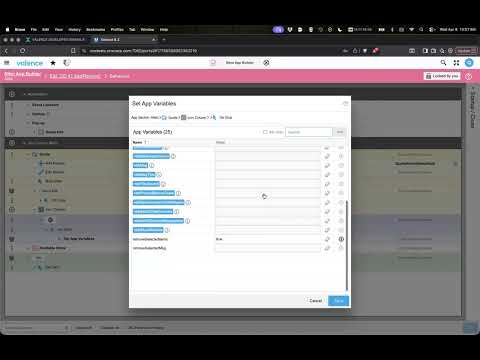
TIMESTAMPS AND FEATURES COVERED:
00:29 - Demo app overview: local data edit grid, regular grid, and form
00:57 - Goal: adding selected items to a quote on the front end
01:39 - The “Add Selected Rows To” property and column mapping
03:01 - Triggering the add with an app variable
04:10 - Testing: selected rows added to the local data edit grid
04:46 - Q&A: Saving local data, field-by-field mapping, and duplicates
06:26 - Removing multiple selected rows from a local data edit grid
06:53 - Remove Selected Rows confirmation message
08:50 - Q&A: Syncing items between the available and quote grids
10:59 - Conditional cell editing and Auto Edit
12:51 - Auto Focus on the first editable cell
13:22 - New horizontal line item for forms
14:41 - Setting a custom tab order (Tab Index) in forms
16:52 - Valence 6.4 update and wrap-up
?
URL: https://youtu.be/XmVqKFrD47s?si=uWlxYm7fbAFnAcz-
TIMESTAMPS AND FEATURES COVERED:
00:29 - Demo app overview: local data edit grid, regular grid, and form
00:57 - Goal: adding selected items to a quote on the front end
01:39 - The “Add Selected Rows To” property and column mapping
03:01 - Triggering the add with an app variable
04:10 - Testing: selected rows added to the local data edit grid
04:46 - Q&A: Saving local data, field-by-field mapping, and duplicates
06:26 - Removing multiple selected rows from a local data edit grid
06:53 - Remove Selected Rows confirmation message
08:50 - Q&A: Syncing items between the available and quote grids
10:59 - Conditional cell editing and Auto Edit
12:51 - Auto Focus on the first editable cell
13:22 - New horizontal line item for forms
14:41 - Setting a custom tab order (Tab Index) in forms
16:52 - Valence 6.4 update and wrap-up
?